For iPhone and Android

Make more.Edit less.
Upload a talk, a podcast or an interview. You get back finished vertical clips: captioned, framed 9:16 around whoever is speaking, cut around the moments worth keeping.
One free video every month. No credit card needed.
How it works
How does Video To Reel turn one long video into shorts?
Video To Reel is a mobile app, for iPhone and Android, that turns one long video into finished vertical shorts. You upload a talk, podcast or interview from your own device — MP4, MOV or MKV — and Video To Reel transcribes it, picks the moments worth keeping, cuts them, reframes each one to 9:16 around whoever is speaking, burns in word-timed captions and renders at 1080p. A 15-minute upload is typically back in a few minutes. Every account gets one free video a calendar month, returned as 3 watermarked clips from an upload of up to 15 minutes, with no card required; paid plans return up to 10 clips per video from uploads as long as 3 hours. Finished clips stay in the app for 30 days on a paid plan and 7 days on the free one, then Video To Reel deletes them for good. The video you uploaded is deleted the moment rendering finishes.
Everything after you press go runs on our machines. Close the app if you like: a notification brings you back when the clips are ready.
Pick the file
Straight from your camera roll or Files. MP4, MOV or MKV. Uploads resume by themselves if the connection drops.
Say what you want
How many clips, roughly how long, captions on or off and where they sit. That is the whole setup.
Collect the clips
Transcribed, cut, reframed, captioned and rendered at 1080p. Save them to your camera roll or share straight to TikTok, Reels or Shorts.
Why this one
Three decisions that shape the app
Your video, your choice
Upload your original file or import a supported public YouTube video you have permission to use. We process it, and the source is deleted when your clips finish rendering.
SpeakerLock follows the speaker
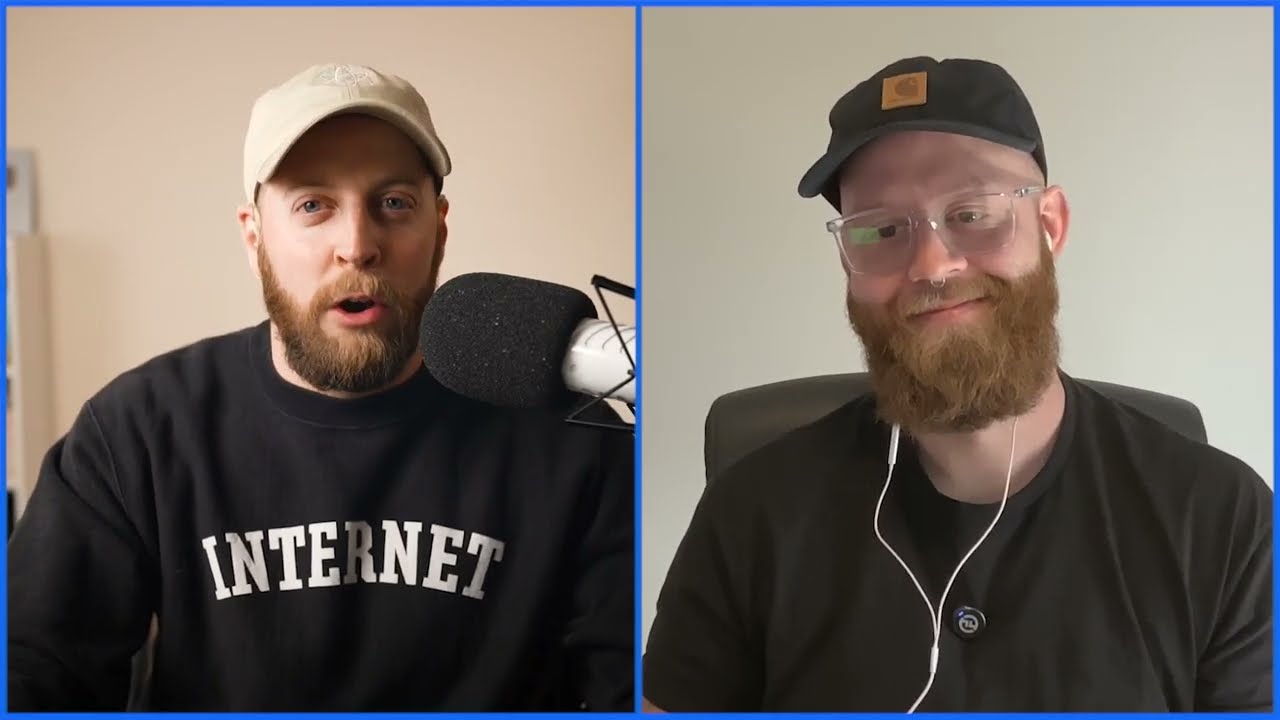
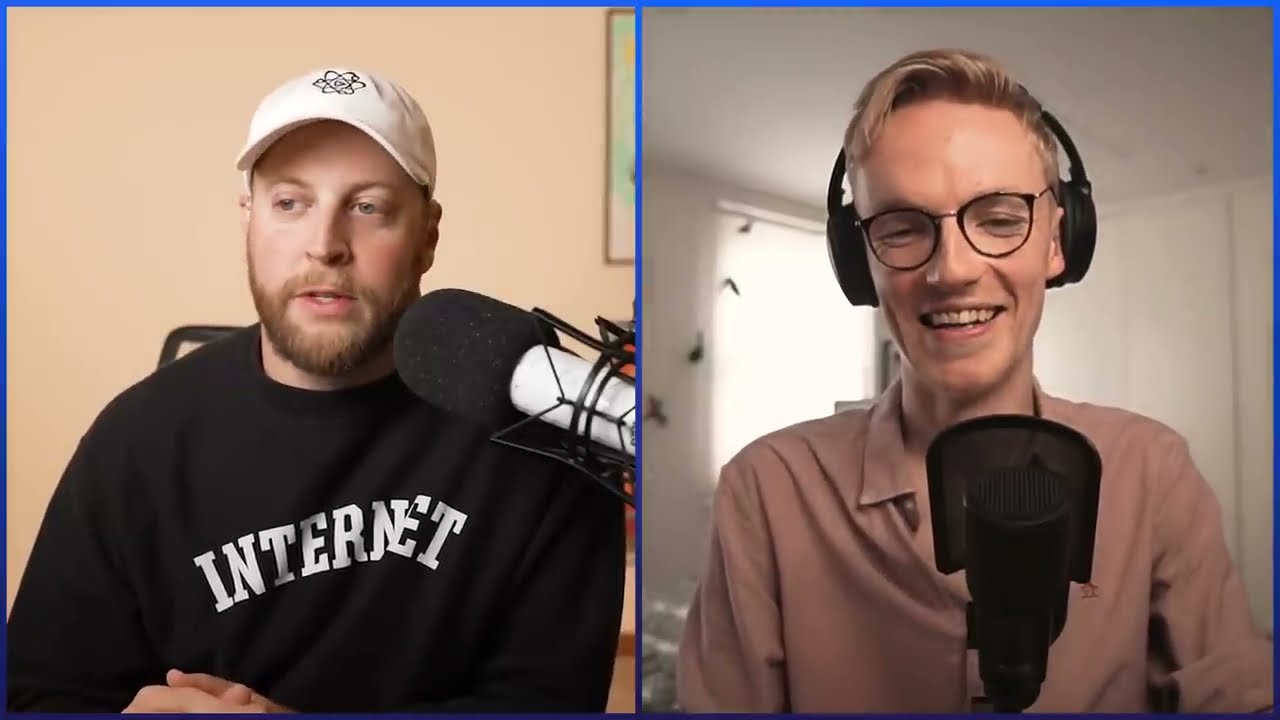
A centre crop cuts heads off. SpeakerLock, the reframe built into every render, finds the face that is talking and moves the 9:16 frame with it, smoothed so it glides rather than jitters.
Captions where you want them
Word-timed captions burned in, three styles, nine positions clear of the Reels and TikTok interface. Change your mind after the render and only that clip is remade.
Every clip arrives with the line it was cut around and where it came from in your video. No invented virality scores: read the quote and decide in a second.
| Video To Reel | Browser clip tools | |
|---|---|---|
| How your video gets in | A phone app. Start with your camera roll, a file or a supported public YouTube link. | A website. Paste a link or push your file through a browser tab, then download the results back to your phone. |
Weighing it against a tool you already pay for? How it compares with Opus Clip, CapCut and Clipped on clip quality, price, watermark and limits.
FAQ
What do people ask before they start?
Can I paste a YouTube or TikTok link instead of uploading?
You can paste a public YouTube link in Add a video, or choose a file from your library. Only import videos you own or have permission to download and edit, and follow the source platform's terms. Private, restricted and live videos are not supported. TikTok and Instagram links are not supported. If a YouTube import is unavailable, you can upload the original file instead.
Is there a free version?
Yes: one free video every calendar month, which comes back as three clips carrying a small Video To Reel watermark. No card is needed and nothing turns into a subscription by itself. It is one free video per person rather than per account. Paid plans render without the watermark.
What happens to the video I upload?
It is transcribed, cut, reframed, captioned and rendered, then deleted along with every intermediate file as soon as your clips are ready. Finished clips are served to your phone over private links that expire. The full detail is in the privacy policy.
How long does a render take?
It depends on the length of your video and on the queue, but a 15-minute upload is typically a few minutes. The app shows the real stage and a queue position rather than a spinner, and tells you outright that you can close it. A push notification arrives when the clips are done.
How long are my clips kept?
Finished clips stay in the app for 30 days on a paid plan and 7 days on the free plan, then they are deleted for good. Save the ones you want to your camera roll: that copy is yours and nothing on our side can touch it.
Is Video To Reel on iPhone or Android?
Both. It is one app and one account, coming to the App Store and Google Play. Everything described on this page works the same on either phone.
How do I cancel or delete my account?
Subscriptions are cancelled where you bought them, under Subscriptions in Google Play or the App Store. To delete the account itself, use Account, then Delete account in the app, or do it here on the web at videotoreel.com/delete-account. It removes your account, your uploads and your clips permanently.
Video To ReelNearly there
The Android beta is opening soon. Leave your email and you will be first in. One email, no list, no tracking.
Questions before then? support@videotoreel.com